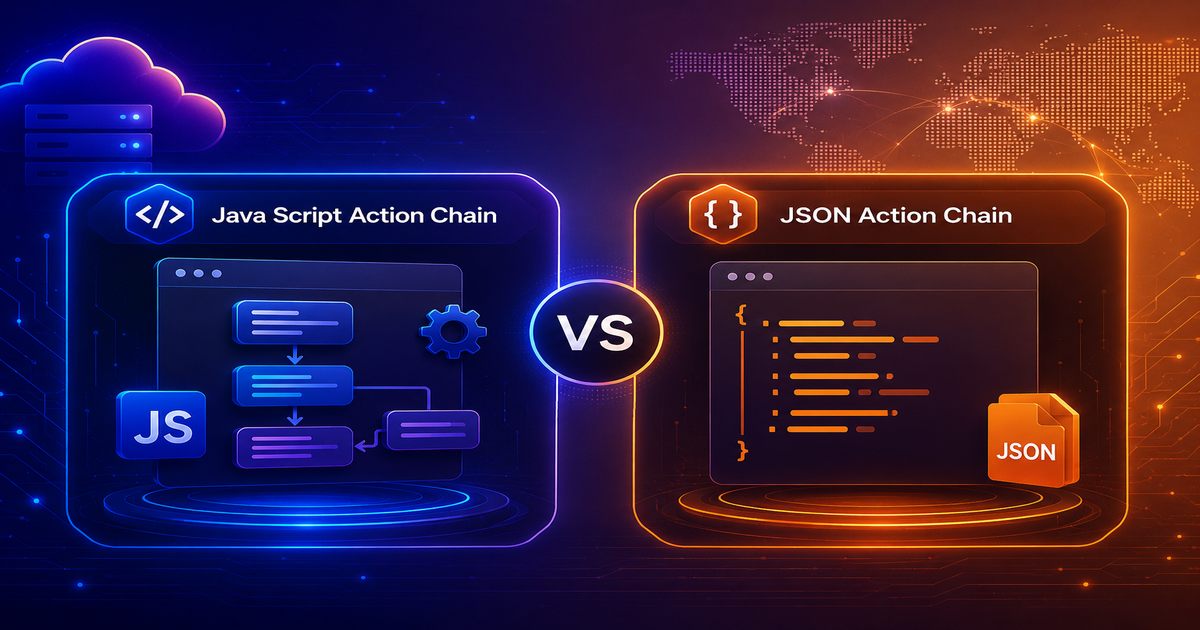
Editable table without OjBeforeRowEdit and OjBeforeRowEditEnd Action Chain


Build an editable Oracle Visual Builder table without relying on ojBeforeRowEdit or ojBeforeRowEditEnd. This workflow keeps the edited row in a temporary buffer and updates the correct record through the table's data provider.
Create the Table Template
Create a row template and add the columns users need to edit. Use the appropriate components for each value, such as input text, input number, and input date.
Define the Action Chain
Create an action chain to manage the edit and update process. It will collect the current values and coordinate the data-provider operation.
Define currentRowBuffer
Create a variable named currentRowBuffer and leave it blank initially. It will temporarily hold the data for the row currently being edited.
Map the Editable Columns
Map every editable text, number, and date field to its matching property in currentRowBuffer. This creates one complete object containing the latest row values.
Fire the Data Provider
After mapping the values, trigger the data provider used by the table, such as an Array Data Provider (ADP).
Update the Data Provider
In the provider's update operation, pass currentRowBuffer as the updated row data.
Map the ADP Key
Map the ADP record key to the corresponding key in currentRowBuffer. This ensures the update is applied to the correct row.